As a TYPO3 beginner it took me awhile to wrap my head around how to think of my TYPO3 project as a whole. At first it was difficult to see a bird’s-eye view of the site’s interworkings, or to grasp what’s known as the site’s project architecture in software engineering.
After some time spent digging around the file system, I eventually began to see TYPO3 as a series of layers which build upon one another.
To (over)extend a metaphor with the goal of making TYPO3 architecture easier to digest and remember, I’ve mapped these layers onto the concept of a bike from the foundation to the outer-most layers.
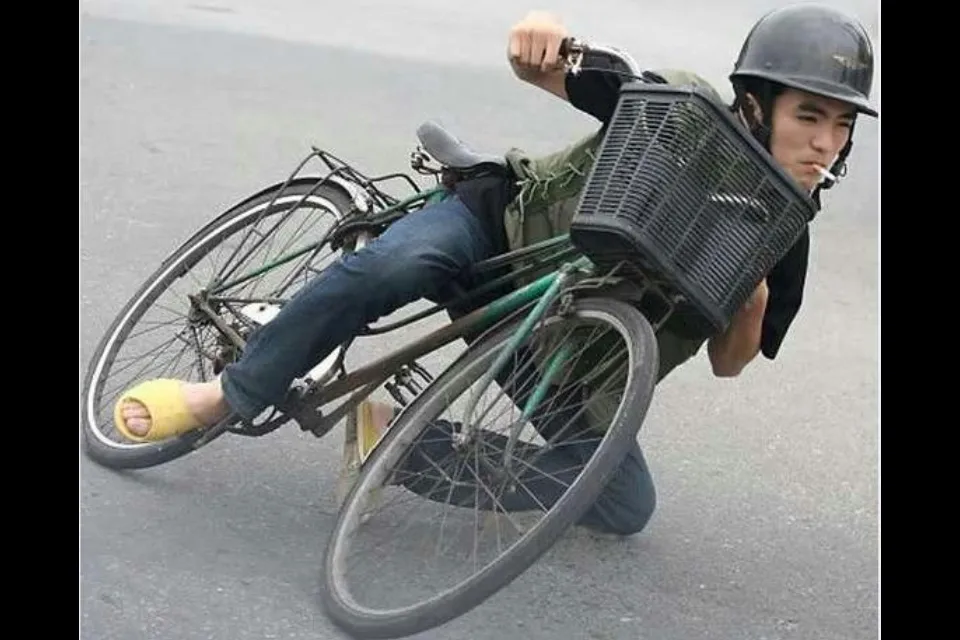 Hold onto your butts, we’re maxing out this bike metaphor.
This bike metaphor is not meant to be comprehensive of every moving piece in a TYPO3 site, nor is it strictly a step-by-step how-to recipe (we’ll get to those soon.) My goal here is to provide a conceptual model that makes jumping into a TYPO3 project a bit less daunting for those starting their TYPO3 journey.
The file system structure is the bike frame
The file system structure represents the bike frame, the foundation that everything else is built upon. The overall shape of the frame is generally consistent from project to project and bike to bike, and learning this pattern is an important first step to being able to find whatever you’re looking for in any TYPO3 project.
# Bike frame file system tree
frame
├── top bar
├── bottom bar
├── front section
│   ├── front wheel
│   └── handlebars
├── middle section
│   ├── seat
│   └── pedals
└── back section
    └── back wheel
Importantly, the frame dictates where to install individual components. You cannot (easily) for example, install a bike wheel in a seat post. The TYPO3 file system structure similarly provides constraints on where various site components can be placed.
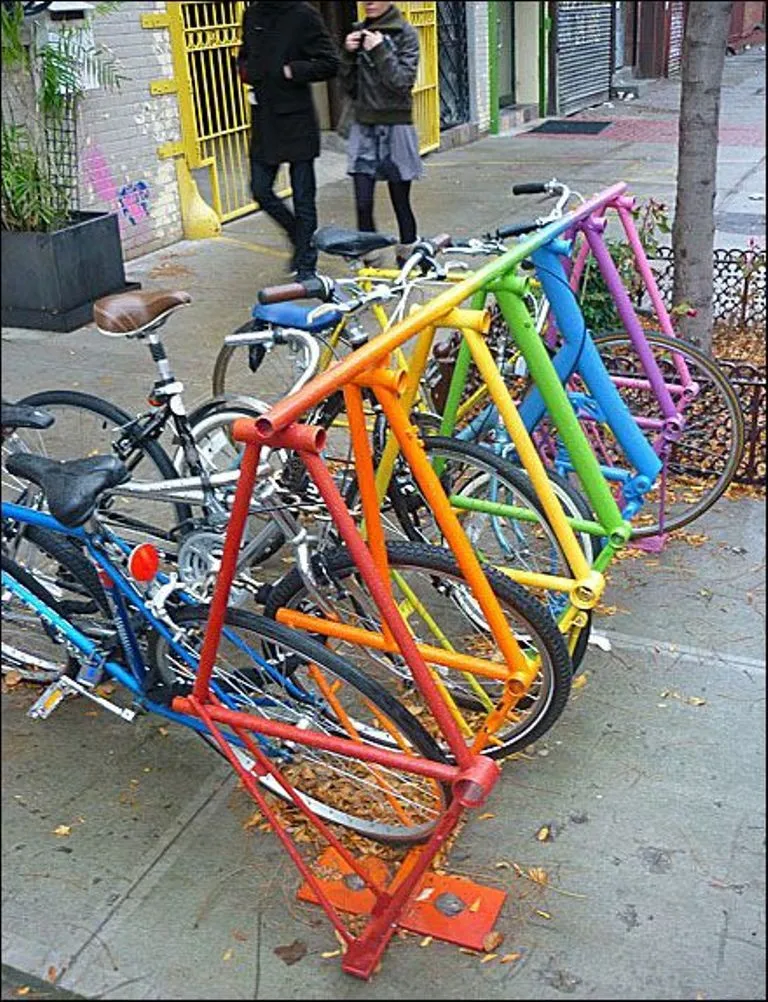 Every frame a painting
✮ Good to know: TYPO3 takes what’s called a convention over configuration approach, which means in order for a site to function, developers must follow predefined rules and structures within their project1. Just as a bike seat must be installed into a seat post, certain files must be placed within particular project directories. Similarly, some file types must be named according to TYPO3 guidelines.
Core extensions are basic parts that make the bike rideable
The TYPO3 core extensions, (also referred to as “system extensions” or collectively as the “TYPO3 core,”) represent the basic and often necessary components to make a bike rideable, things like a chain, wheels, brakes, pedals, etc. Many of these core extensions are mandatory in that the site cannot function without them, things like user management, content handling, and security.
These core extensions are part of the TYPO3 installation package, so they’re automatically included when we install TYPO32.
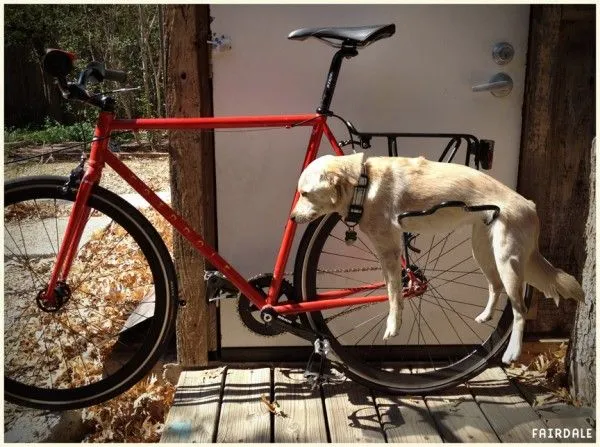 Small print: Rideability assessed for human use only
Third-party extensions are prefabricated accessories
The third-party extensions, also called custom extensions, represent ready-made bike accessories like bells, lights, and baskets. While not essential, third-party extensions allow us to give our site unique character and extend its functionality to include things like a blogging system, email service, and premade UI component libraries.
These third-party extensions can be found and downloaded from the TYPO3 Extension Repository (TER). It’s also possible to build your own extensions (an advanced topic for another day).
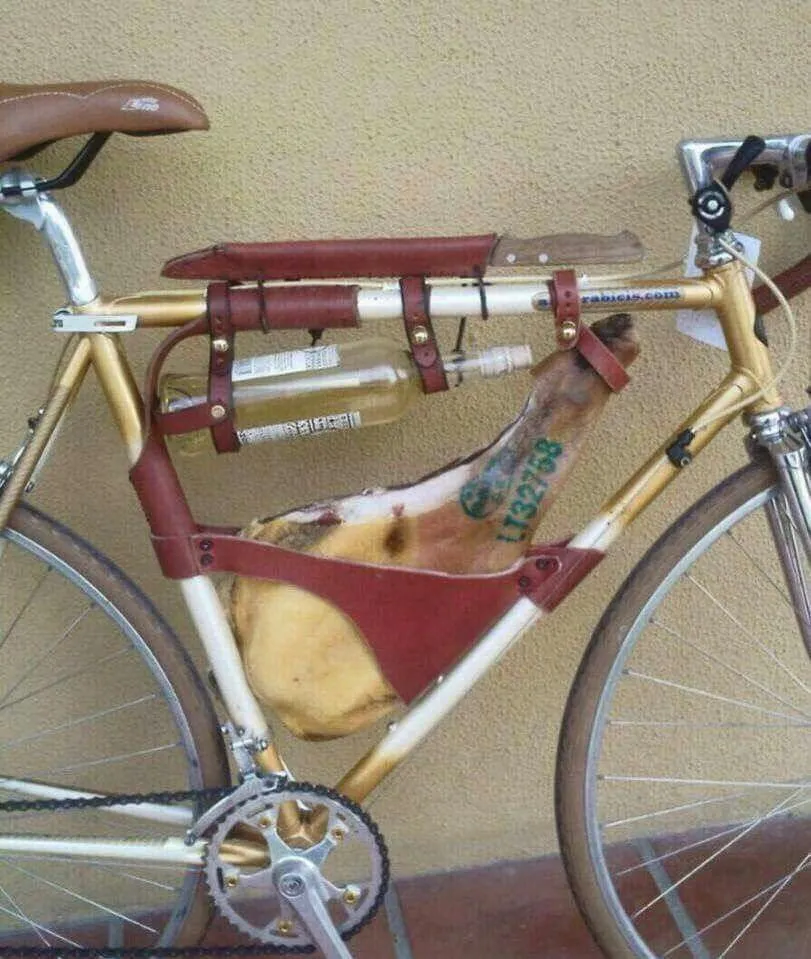 An Italian goverment-issued custom extensions pack
The site package is DIY accessories & tweaks
The site package is a custom extension* *with special privileges that represents homemade bike accessories and DIY tweaks. The site package is where we can add our own styles, templates, and configurations from scratch, akin to 3D printing a water bottle holder, or painting daisies onto the frame with nail polish, or taping a whole 9 kg melon to your handlebars for easy on-the-go snacking.
 Bro. Forget electrolyte packets, dig this watermelon frontie.
In addition, the site package is where we can override the styles, templates, and configurations of core and third-party extensions. Overrides allow us to make adjustments to other extensions without having to directly edit their source code.
In our bike metaphor, overrides would be the equivalent of tuning the sensitivity of the brakes (a core extension), or installing a bike light (a third-party extension) and then swapping the bulb for a rainbow LED, or whatever the heck this spectacular maximum override is:
 A rare sighting of the interdimensional being known as Santa Claus on spring break.
Enjoy the ride
At it’s core (literally) TYPO3 is just a big collection of extensions, and with practice it will get easier to understand how they interact and how to adjust them (for example using overrides) to best suit your site.
I hope this drawn-out bike metaphor made sense to another brain out there and not just my own fanciful noodle. Regardless, I had a blast writing it and browsing the many wacky and imaginative custom bike builds out there.
Thank you for reading and see you in the next one.
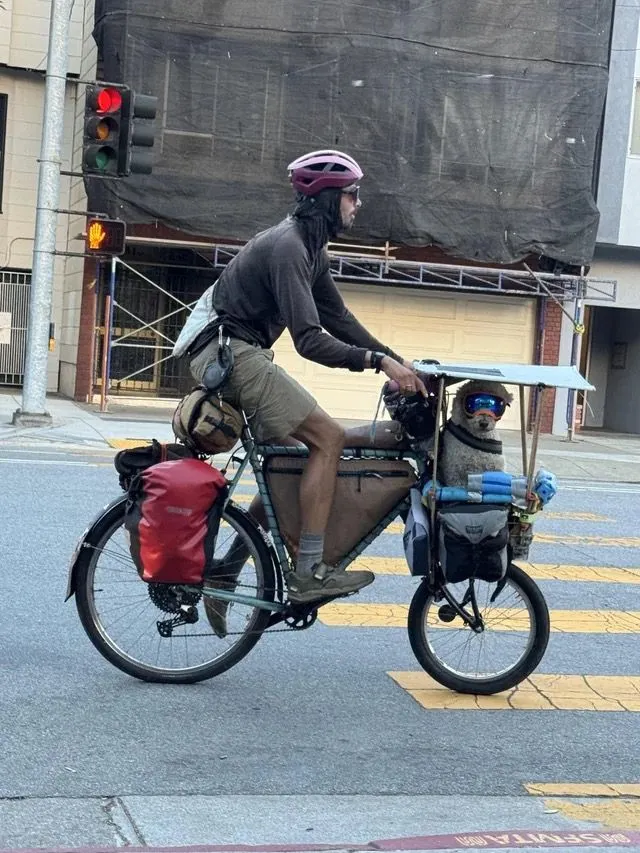 Wheels up, pup!
Additional reading
- What are extensions? from TYPO3.org
- The concepts behind TYPO3 extensions from TYPO3 Explained
- TYPO3 Site Package Tutorial from the TYPO3 Docs